Small recap of web shell applications
Read it in: CatalàCastellano
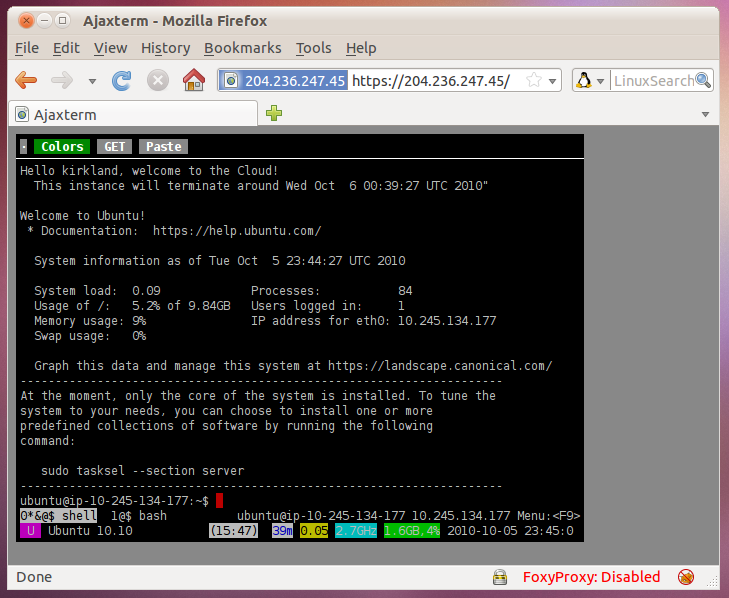
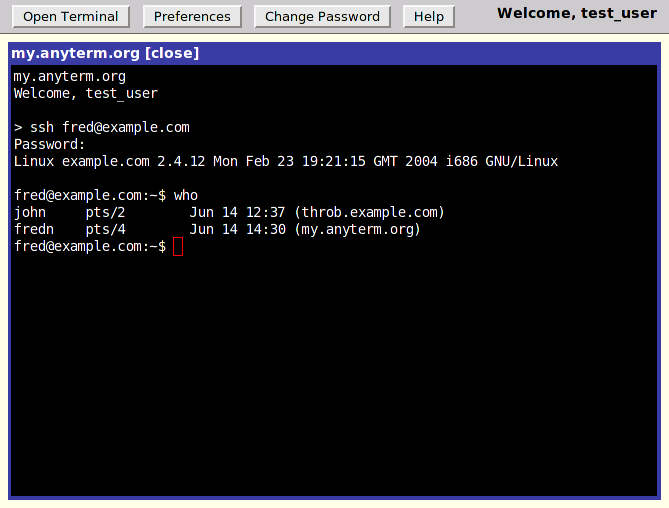
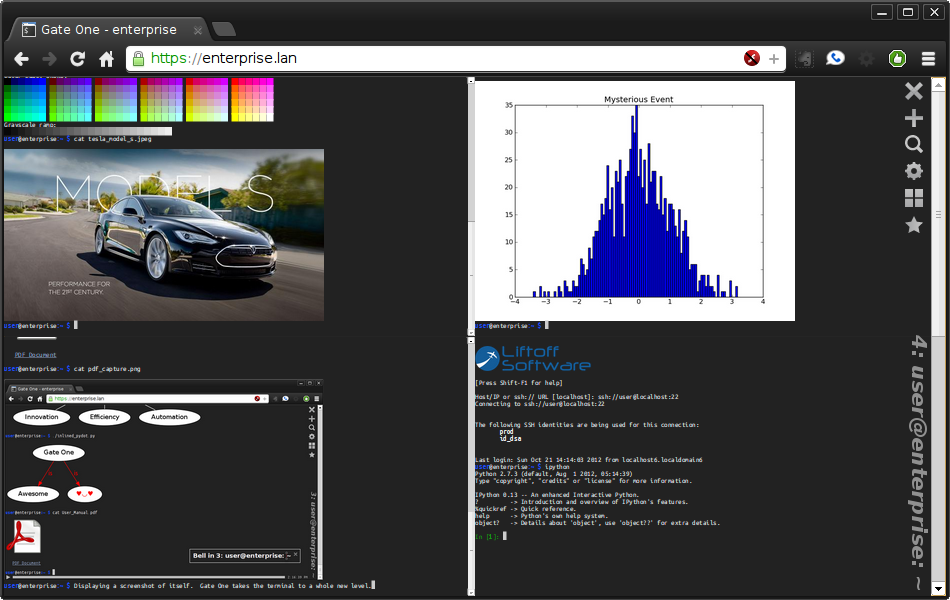
Lately I found some useful web applications that publish a terminal application. This is very useful when you are traveling or you have a remote server which you want to maintain or access from anywhere. Also another interesting use of this kind of applications is as a terminal for embedded devices.
I tried to use them as my default applications but all of them have the same problem: keyboard shortcuts conflict with the browser. I'm very used to use a lot of shortcuts to manage my terminal application and remote shell and this is a problem because most of the shortcuts are redefined by your browser. May be it's possible to disable browser shortcuts when you are using this kind of web applications but I didn't find how.
I hope this small list is as much useful for you as it is for me:
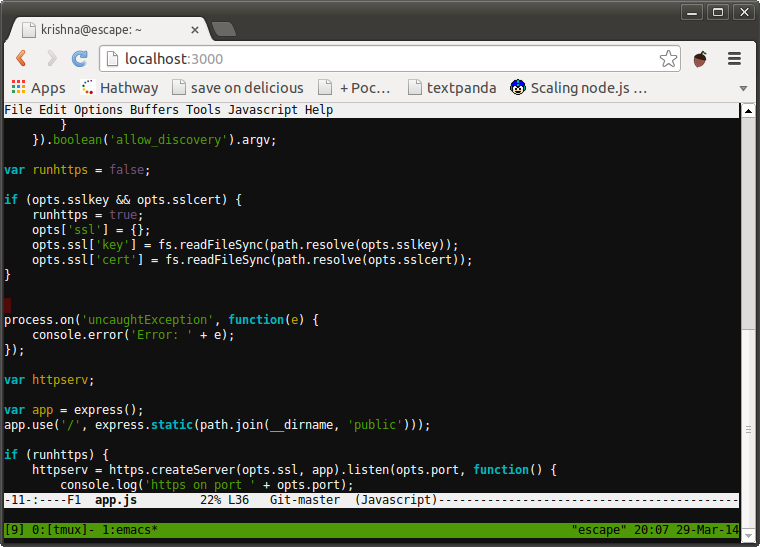
- Wetty = Web + tty (the best one IMHO)
3 comments
Comments from the old blog, as they were written. Comments are closed.
Albert
Take a look at gotty (https://github.com/yudai/gotty) is a solution much similar to wetty but more flexible imho, it also uses hterm but at least for my setup all basic shortcuts are working (TAB, Ctrl-a, Ctrl-e, etc) and also works on all common browsers
Oriol Rius
Very good reference, THX.
Oriol Rius
After some time working on Wetty, IMHO is the best option by far.