How to send large attachments in an email (for dummies)
Translation of the original in Catalan. Read it in: CatalàCastellano

All of us who have administered some user network with mail services have suffered problems of the type: I have tried to attach the cdrom to this email and the computer freezes, or the mail server, I don't know why, sends it back to me.... This which seems more than obvious to us it is clear that it is not so clear to users. Since constantly and every day more, they have the need to send bigger attachments in the mail; a service that was never thought to carry attachments as big as intended. So the administrators always have to do experiments in order to solve this problem.
Well then, although I had always suspected that there were services that had to solve this problem I had never seen them. Well then, at last I have found them, there are two websites that I know of that offer this service one that allows sending files of up to 100Mb and another that does it up to 1Gb. DROPLOAD and YouSendIt respectively. Apparently these files are deleted after 7 days whether they have been collected or not, so it is like having an FTP that auto-deletes the files. I haven't been able to try the service yet but I imagine it must be very easy to use, what I do see at the moment is that it solves a big problem for network administrators.
UPDATE
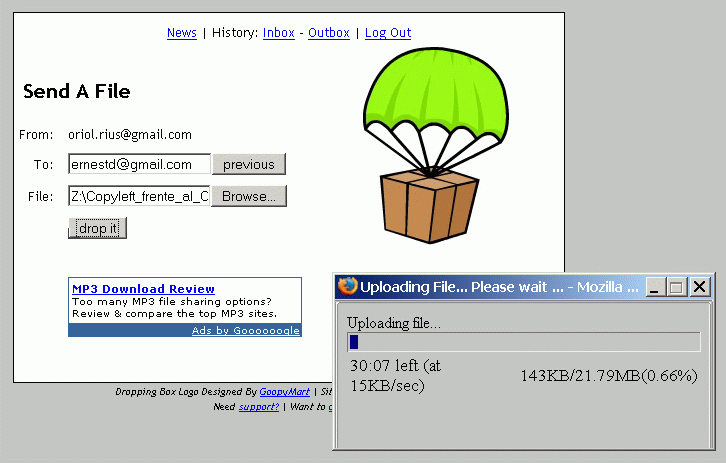
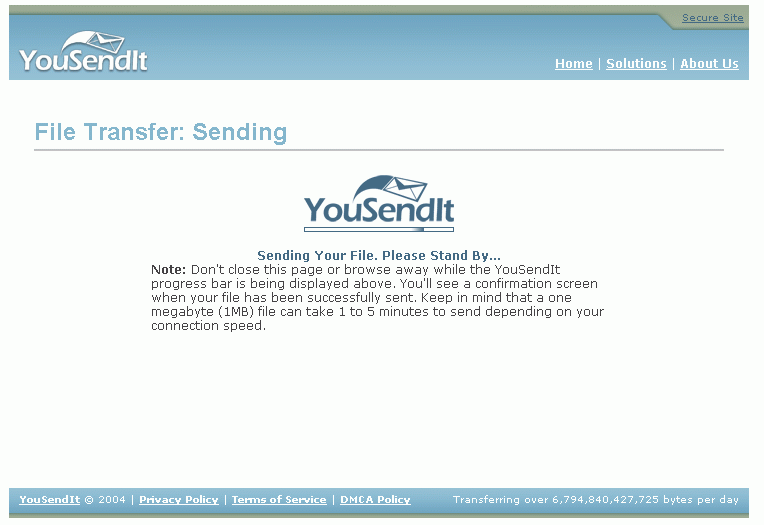
I have already used both services and at the moment the DROPLOAD one seems better looking, because it tells you the amount of information sent when you do the sending and the remaining time.
Screenshots:
1 comment
Comments from the old blog, as they were written. Comments are closed.
—
Una altre web que ens permet fer el mateix que les anteriors (fins a 512Mb):
MailBigFile - The best way to send large file attachments